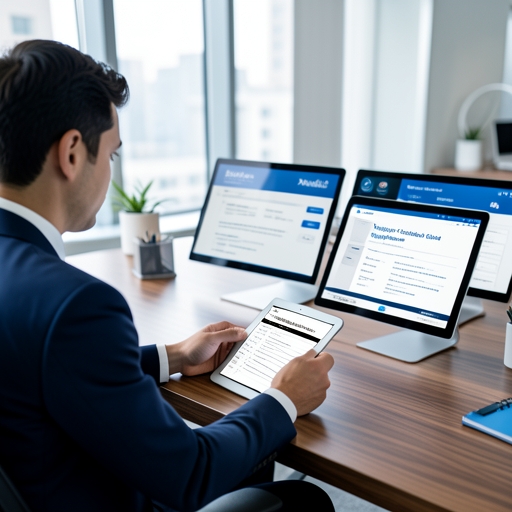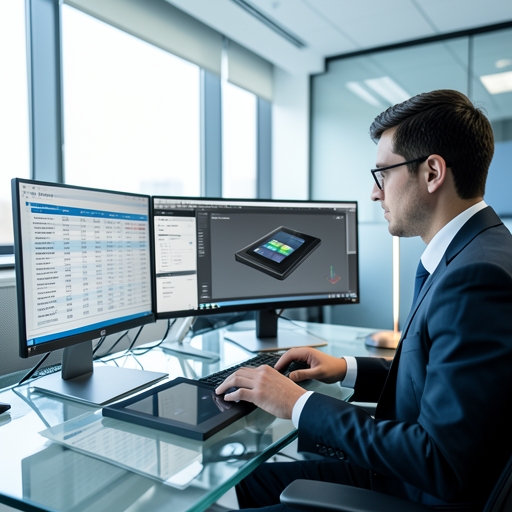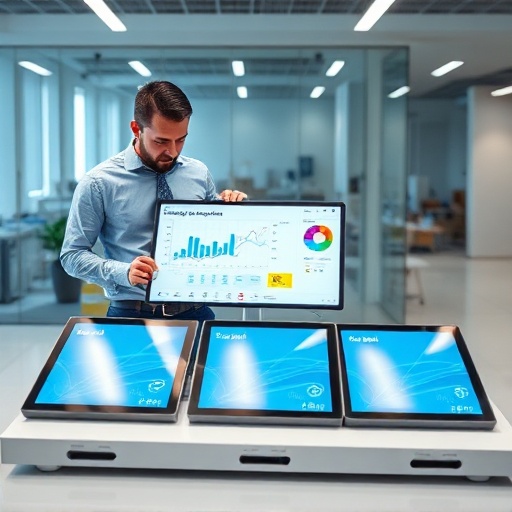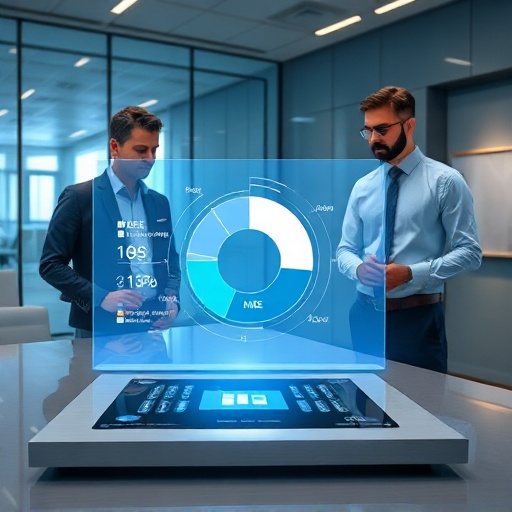
When outfitting a modern meeting space, IT buyers and facility managers face a crucial decision: should you install a standard Video Conference Display (a commercial TV) or invest in an Interactive Conference Display? This guide will break down the limitations, benefits, and essential specs to help you choose the right remote collaboration screen for your enterprise.

The Limitations of a Standard Video Conference Display
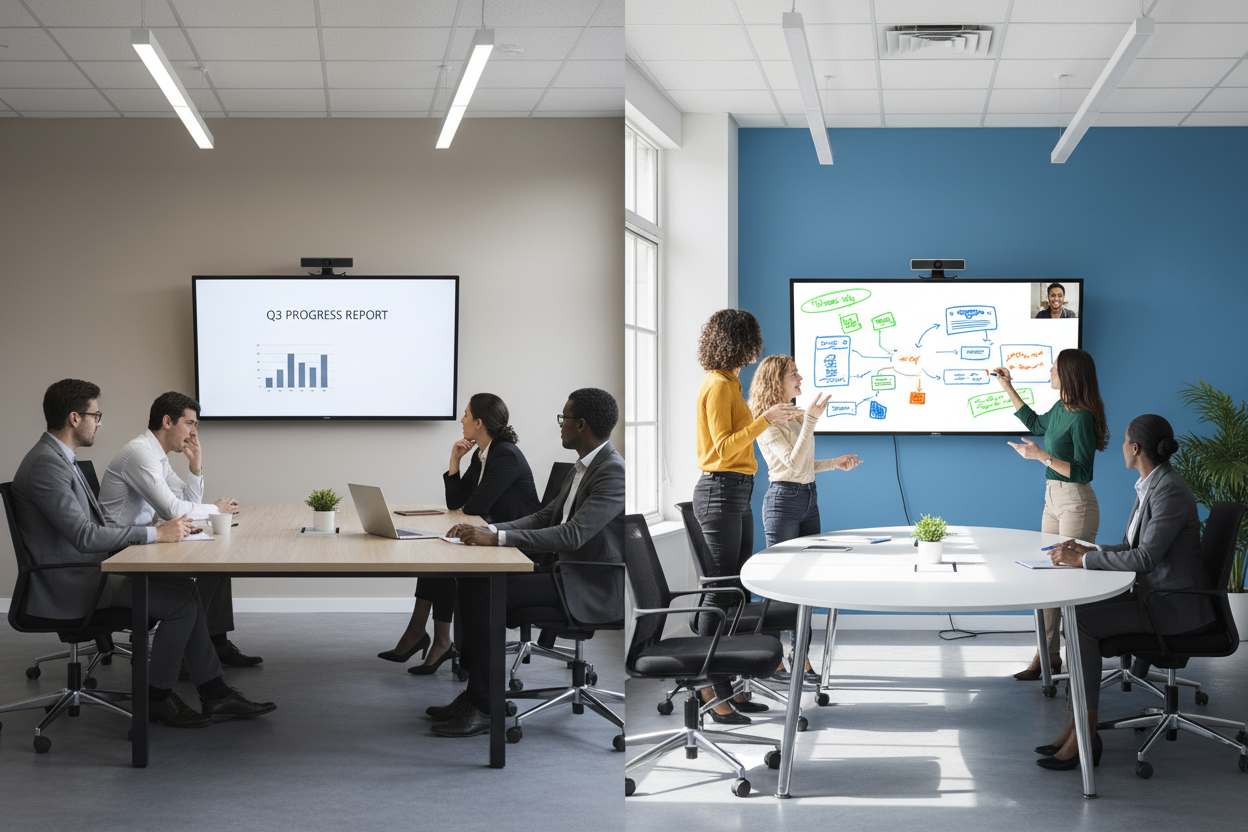
A standard commercial display—essentially a high-quality TV without touch capabilities—serves one primary function: passive viewing. While they are great for displaying a slide deck or showing the video feed of remote participants, they come with significant limitations in a collaborative environment.
Passive Viewing vs. Active Engagement
Standard displays enforce a one-way flow of information. One person presents from their laptop, while everyone else watches. There is no physical interaction with the data on the screen, which often leads to disengaged participants and lower meeting efficiency.
The Disconnect in Brainstorming Sessions
If a team wants to brainstorm or map out a project, they must turn away from the screen and use a physical whiteboard. This forces remote participants out of the loop, as they cannot clearly see or interact with what is being written in the physical room.
Hidden Costs of External Hardware and Cables
Standard screens require external mini-PCs, separate camera setups, external speakers, and an array of HDMI or casting dongles. This not only clutters the conference table but also increases the points of failure and IT support tickets.
What is an Interactive Conference Display?
An Interactive Conference Display (often called a smart board or interactive flat panel) is an all-in-one collaborative powerhouse. It combines a 4K UHD commercial-grade display, a highly responsive multi-touch interface, built-in computing (usually an Android OS and an optional Windows OPS slot), array microphones, and high-fidelity speakers into a single unit.
Combining High-Definition Visuals with Multi-Touch
These screens allow users to control applications, write, draw, and annotate directly on the glass using a stylus or their fingers, fundamentally shifting the meeting dynamic from passive observation to active participation.
Top Benefits of a Smart Conference Touch Display
Investing in a Smart Conference Touch Display transforms the meeting experience, delivering an immediate return on investment through improved communication and faster decision-making.
Real-Time Annotation and Digital Whiteboarding
Whether you are reviewing a marketing PDF, a complex CAD drawing, or a financial spreadsheet, you can write notes directly over the content. The infinite digital whiteboard allows teams to save their brainstorming sessions instantly and share them via email or QR code, eliminating the need to take photos of a physical whiteboard.
Bridging the Gap for Remote and In-Room Teams
This is where the Remote Collaboration Screen truly shines. With integrated cloud whiteboarding software (compatible with Zoom, Microsoft Teams, and Webex), remote participants can co-annotate on the same digital canvas simultaneously with the people in the physical room. Everyone has an equal voice, regardless of their location.
Seamless Wireless Screen Sharing from Any Device
Modern interactive displays feature built-in wireless casting. Anyone in the room can instantly share their laptop, tablet, or smartphone screen to the main display without searching for the right adapter, saving valuable meeting time.
Standard vs. Interactive: Which Should You Choose?
Not every space requires a touch screen, and budget allocation is critical. Here is a framework for deciding:
When to Use Standard Displays
Standard commercial TVs are perfect for "information-only" spaces. If the screen is going in a corporate lobby for digital signage, a cafeteria for company announcements, or a large auditorium strictly for one-way keynote presentations, a standard display is the most cost-effective choice.
When Interactive is Essential
If the room is designed for work, you need touch. Huddle rooms, executive boardrooms, design studios, and agile development spaces require a Smart Conference Touch Display. In these environments, the ability to manipulate data and collaborate visually is paramount.
Essential Specs for Your Next Remote Collaboration Screen
If you have decided that an interactive display is the right choice, what specifications should you look for? As a leading touch screen manufacturer, Xingyue Technology recommends prioritizing the following:
Anti-Glare (AG) Glass for Brightly Lit Meeting Rooms
Corporate meeting rooms often have bright fluorescent lights or large windows. A glossy screen will act like a mirror, causing eye strain. Always insist on tempered cover glass with a high-quality Anti-Glare (AG) coating to diffuse reflections.
Understanding Touch Technologies: PCAP vs. Infrared
Infrared (IR) Touch: The industry standard for large meeting screens. It is cost-effective, highly durable, and allows you to write with any object. Modern IR frames offer excellent zero-bonding experiences to reduce the parallax effect (the gap between the pen tip and the digital ink).
PCAP (Projected Capacitive): Similar to your smartphone, PCAP offers a completely flat, bezel-less design and extremely high precision. It is the premium choice for executive boardrooms where aesthetics and flawless touch sensitivity are top priorities.
4K UHD Resolution for Crisp Presentations
For screen sizes ranging from 65 inches to 86 inches, 4K UHD (3840 x 2160) resolution is mandatory. It ensures that fine text in spreadsheets and detailed schematics remain crisp and readable, even for viewers sitting at the back of a large conference table.

Transforming Corporate Communication with Xingyue Technology
The right display technology eliminates friction, breaks down geographical barriers, and empowers teams to do their best work. While standard displays have their place, the Interactive Conference Display is the definitive centerpiece of the modern hybrid workplace.
At Xingyue Technology, we leverage over a decade of to build robust, highly responsive touch modules and smart interactive displays designed specifically for demanding corporate environments.
Ready to modernize your corporate meeting spaces?
Frequently Asked Questions (FAQ)
1. What is the ideal size for a smart conference touch display? The ideal size depends entirely on the room depth. As a general rule:
55" to 65": Huddle spaces and small meeting rooms (2-6 people).
75": Standard conference rooms (6-12 people).
86" and larger: Large boardrooms and training centers (12+ people).
2. Are interactive displays compatible with Zoom and Microsoft Teams? Yes. Most modern Smart Conference Touch Displays either come with a built-in Windows OPS (Open Pluggable Specification) PC or allow you to connect your own laptop via USB-C. This means you can run the native desktop versions of Zoom, Microsoft Teams, Webex, or Google Meet with full touch functionality.