
How to Improve Touch Display Response Time: A Guide
When a touch screen feels like it is "dragging" behind the user's finger, hardware engineers face a complex troubleshooting process. Fixing touch lag is rarely a one-step solution. At Xingyue Technology, we engineer tailored for extreme performance. This guide will take a deep dive into the anatomy of touch latency and explain how hardware selection and expert firmware tuning can dramatically improve your Touch Display Response Time.
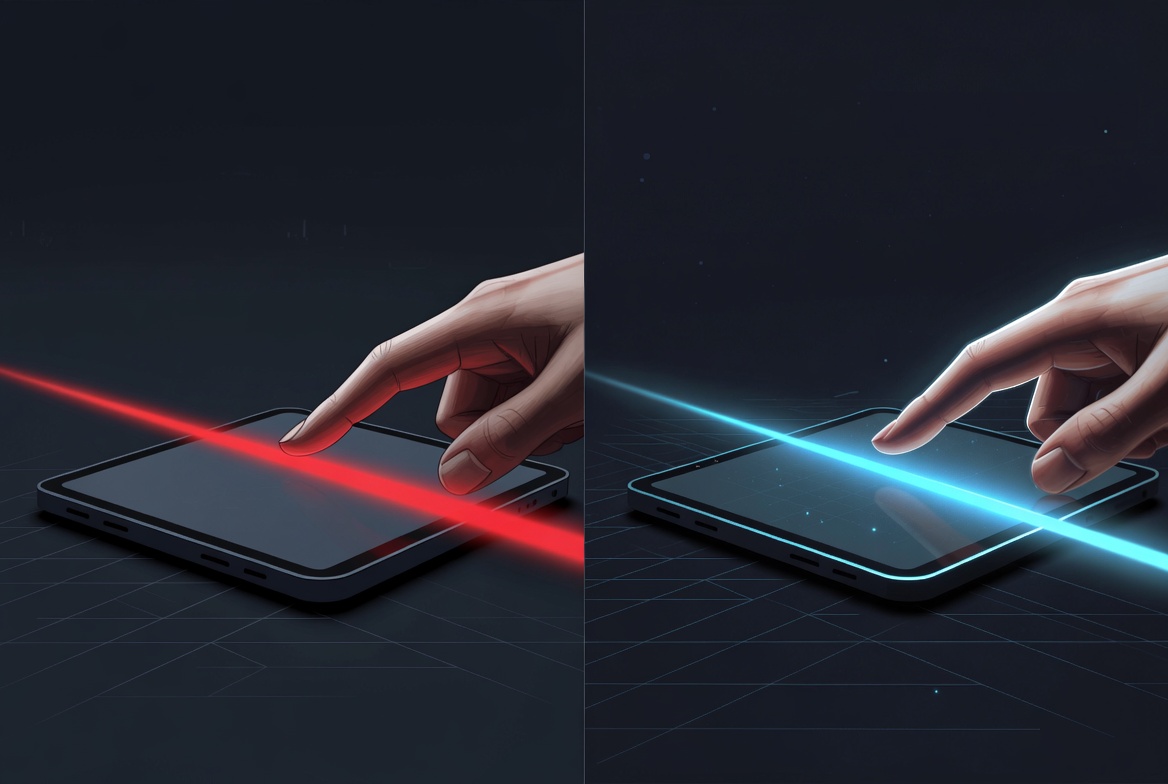
Anatomy of Touch Latency: What Causes Screen Lag?
To eliminate lag, we must first understand where it comes from. Touch latency is not a single point of failure; it is the cumulative delay across the entire touch processing pipeline.
The Touch Processing Pipeline Explained
When a finger touches the glass, a sequence of events triggers. First, the sensor detects a capacitance change. The touch controller IC scans this data, filters out electrical noise, calculates the precise X/Y coordinates, and sends a data packet over the interface (like USB or I2C). The operating system's driver then reads this data, processes the input, and finally, the GPU renders the visual change on the LCD panel.
Hardware Processing vs. Software Rendering Lag
Latency is split into two halves. "Hardware latency" is the time it takes the touch module to report the coordinate to the mainboard (typically 10-25ms). "Software latency" is the time it takes the OS and display to draw the result (often 30-60ms).
How Signal Noise (EMI) Slows Down Response
If your device operates in a noisy electromagnetic environment, the touch controller must work overtime. It runs heavy filtering algorithms to distinguish your finger from background static. This heavy processing load inevitably increases the Touch Display Response Time.
Hardware Upgrades: Selecting the Right Touch Controller
You cannot fix bad hardware with good software. Achieving true low latency starts at the silicon level.
The Role of the Touch Controller IC in Speed
The touch controller is the brain of the touch panel. A cheap, low-end controller has a slow clock speed and struggles to process complex coordinate math quickly, creating an immediate bottleneck.
Processing Power and Signal-to-Noise Ratio (SNR)
When selecting a controller (such as premium ICs from EETI or ILITEK), we prioritize processing power and a high Signal-to-Noise Ratio (SNR). A high SNR means the controller can easily "see" the touch signal without relying on heavy, time-consuming software filtering, drastically speeding up coordinate reporting.
Choosing Between High-End vs. Standard Controllers
Standard controllers are fine for information kiosks. However, if you are designing a high-speed drawing tablet or a dynamic medical interface, upgrading to a 32-bit ARM-based touch controller is mandatory for achieving response times under 15ms.
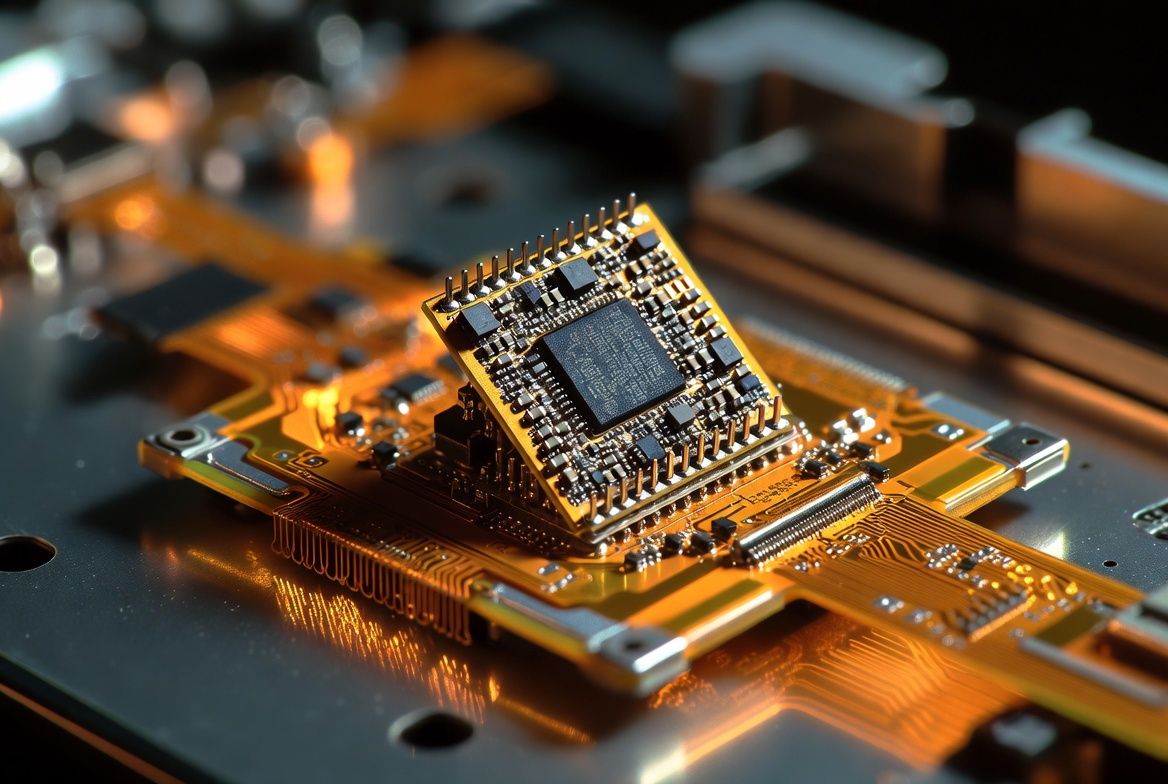
The Need for Speed: Polling Rate vs. Refresh Rate
A common point of confusion among product developers is the difference between how fast the screen reports a touch and how fast it draws an image.
Understanding Touch Panel Polling Rates (120Hz, 240Hz+)
The polling rate (or report rate) is how many times per second the touch controller scans the grid and sends coordinate data to the host. A standard screen polls at 60Hz (once every 16.6ms). For low latency, we can upgrade the sensor and IC to poll at 120Hz (8.3ms) or even 240Hz (4.1ms).
Why a Gaming Display Demands Ultra-High Polling
In a competitive , rapid reflexes are everything. If the screen only polls at 60Hz, a rapid tap might be missed or delayed. A 240Hz polling rate ensures that the moment a player taps a virtual button, the hardware captures it instantly.
Synchronizing Touch Reporting with Display Refresh
For the smoothest "pen-to-paper" feel, the touch polling rate should ideally be a multiple of the display's visual refresh rate (e.g., a 120Hz polling rate on a 60Hz display). This ensures that every visual frame has the freshest possible touch data to render.
Deep Tech: Firmware Optimization for Low Latency
Hardware sets the speed limit, but firmware optimization dictates how fast you actually drive. As a custom touch screen manufacturer, Xingyue Technology’s engineers dive deep into the controller's code to shave off vital milliseconds.
Tuning Filtering Algorithms for Faster Coordinate Calculation
To combat EMI, firmware uses smoothing algorithms (like moving averages). However, too much smoothing causes the cursor to feel "heavy" and lag behind the finger. We perform meticulous firmware tuning to find the perfect balance: reducing the filtering algorithm's weight just enough to drop latency without introducing cursor jitter.
Adjusting Scan Cycles and Idle Modes
Many controllers are programmed to enter a power-saving "idle" mode to conserve battery. When a user touches the screen, it takes several milliseconds to wake up. For devices plugged into a constant power source, we optimize the firmware to disable deep sleep modes and increase the baseline scan frequency, ensuring the screen is always ready to react instantly.
Balancing Speed, Accuracy, and Power Consumption
Firmware tuning is a delicate balancing act. By adjusting the touch threshold (how hard you need to press before a touch is registered), we can make the screen feel significantly more responsive, creating the illusion of zero latency.
Interface and OS Tuning: I2C, USB, and System Rendering
The fastest touch controller in the world won't help if the data gets stuck in traffic on the way to the processor.
Comparing Interface Speeds: USB, I2C, and SPI
For small microcontrollers, SPI is incredibly fast. For most industrial and commercial systems, I2C and USB are standard. We optimize the I2C clock speed (e.g., pushing from 100kHz standard mode to 400kHz fast mode) or ensure the USB polling interval is set to 1ms in the descriptor, maximizing data throughput.
The Impact of Operating System (OS) Input Buffering
Sometimes, the lag isn't in the touch screen at all—it’s in Android or Windows. Operating systems buffer input data to ensure smooth rendering, which adds software lag. While this is outside the touch panel's hardware, our engineers often consult with clients on how to optimize OS-level graphics pipelines.
Partnering for Precision: Custom Tuning Your Touch Solutions
Achieving an ultra-fast Touch Display Response Time is not something you can accomplish by buying off-the-shelf components. It requires a holistic approach that integrates premium sensors, high-speed ICs, and relentless, project-specific firmware optimization.
At Xingyue Technology, we don't just supply displays; we engineer interactive experiences. We work closely with your hardware and software teams to debug latency bottlenecks and tune the touch performance perfectly to your application's unique demands.
Experiencing unacceptable lag in your prototype? Achieve true zero-latency performance with our custom touch controllers and expert firmware optimization.
Frequently Asked Questions (FAQ)
1. Can I fix touch screen lag with just a software update? If the lag is caused by poor hardware (a slow touch controller or a low polling rate sensor), a software update will not fix it. However, if the hardware is capable, expert firmware optimization—such as adjusting filtering algorithms or wake-up thresholds—can dramatically reduce perceived latency.
For a standard industrial HMI, a total touch latency of 25ms to 50ms is generally acceptable for pressing buttons and basic swiping. However, for a competitive Gaming Display or a high-end medical drawing tablet, developers aim for a touch hardware reporting latency of under 10ms.
3. Does adding a thicker glass cover increase touch latency? Thicker glass makes it harder for the capacitive sensor to detect the finger. If unoptimized, the touch controller will take longer to gather enough signal data to calculate a coordinate, resulting in lag. However, by selecting a more powerful touch IC and performing specific firmware tuning, we can boost the signal gain to maintain low latency
上一篇:How to Choose the Right LCD Touch Panel Supplier for Your Project
下一篇:Custom Cover Glass Solutions for Industrial Displays & Touch Screens
相关内容
热门资讯